Real-Time Rendering vs Ray Tracing: 7 Ways to Compare Them for Your Next Project
By Conor Sheridan, 3D Visualization Lead · October 18, 2026
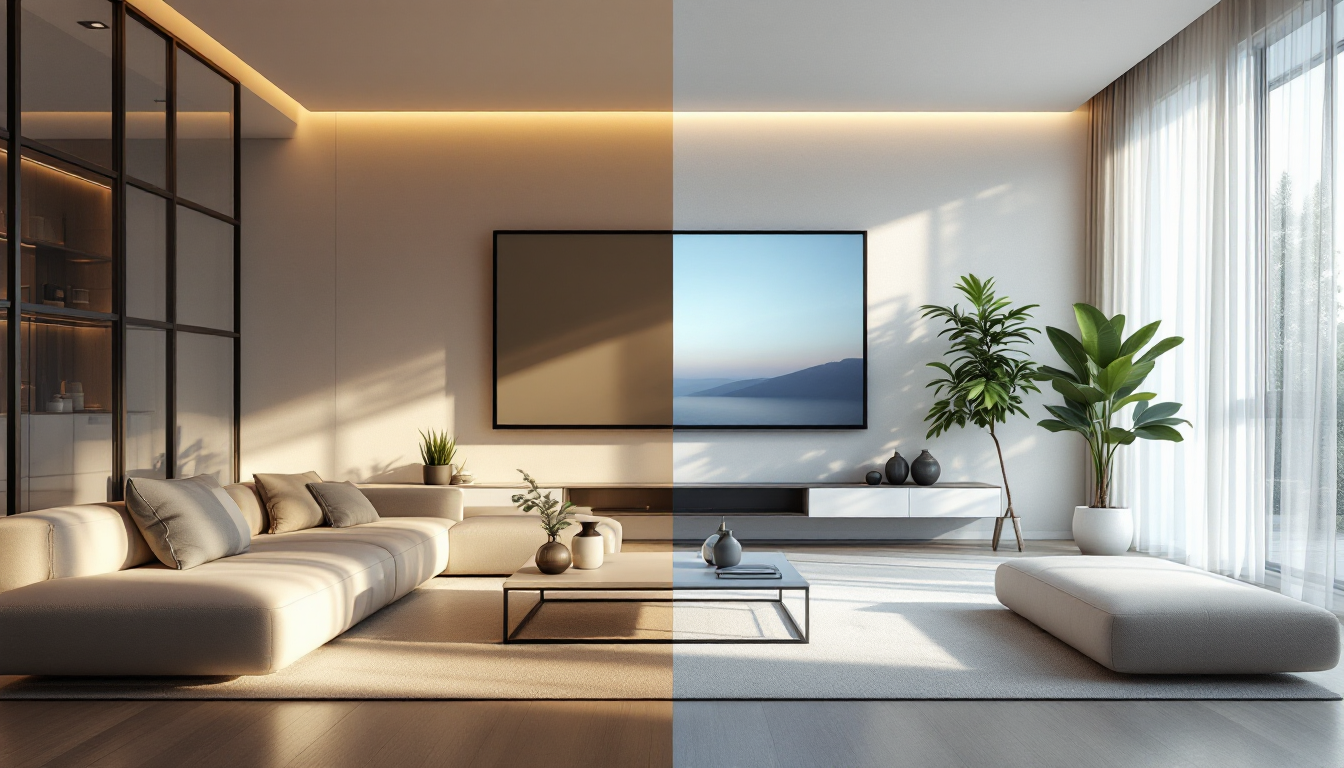
Choosing a Rendering Approach Isn't Just a Technical Decision
If you're planning a home visualization project, pitching a design to a client, or building a real-time walkthrough for a developer, the choice between real-time rendering and ray tracing affects your budget, your timeline, and what your audience actually sees. This isn't an academic debate — it changes which software you buy, what kind of computer you need, and how long you wait for a final image. If you want the conceptual basics first, our beginner's guide to real-time rendering vs ray tracing covers the fundamentals. This article is the practical follow-up: a side-by-side comparison across the factors that actually matter when you're evaluating tools.
1. Output Speed
Real-time engines like Unreal Engine, Unity, and Twinmotion generate frames at 30-120+ fps, which means you can walk through a space interactively and make decisions on the fly. Ray tracing in offline renderers such as V-Ray, Corona, or Arnold can take anywhere from seconds to hours per frame, depending on resolution and lighting complexity. If your workflow depends on rapid client feedback during design meetings, real-time wins outright. If you only need a handful of hero shots for marketing, the wait is often worth it.
Practical takeaway
- Need instant feedback in a meeting? Use a real-time engine.
- Need one perfect still image for a brochure? Offline ray tracing is still the standard.
2. Image Fidelity and Light Accuracy
Full ray tracing simulates how light actually bounces, refracts, and scatters, which is why it still produces the most physically convincing reflections, caustics, and soft shadows. Real-time engines have closed much of that gap with hardware-accelerated ray tracing (RTX, hybrid rasterization plus limited ray-traced effects), but they typically rely on approximations and denoising to hit frame-rate targets. For close-up material work — glass, water, brushed metal — offline ray tracing still has an edge, especially when paired with properly calibrated PBR materials that respond correctly to light.
3. Hardware and Budget Requirements
Real-time rendering is more hardware-dependent up front: you'll want a modern GPU with dedicated ray-tracing cores to get the best hybrid results, but once you have it, iteration is essentially free. Offline ray tracing can run on more modest hardware if you're willing to wait, or you can rent render-farm time by the hour, which suits occasional freelancers better than buying a workstation. If you're budgeting for a home design business, factor in render farm subscriptions versus a one-time GPU upgrade.
4. Workflow Fit for Interactive Walkthroughs
Clients increasingly expect to "walk" through a kitchen remodel or a backyard redesign before committing. Real-time engines are built for this — you can export a build or stream a session where a client adjusts finishes and camera angles live. This pairs well with exporting a clean GLB model from your 3D software, since most real-time viewers and web-based configurators consume GLB natively. Ray tracing, by contrast, produces fixed final images or animations; there's no live interaction once the frame is rendered.
5. Suitability for Marketing and Print
For print-quality renders, magazine spreads, or large-format displays, offline ray tracing remains the industry default because resolution and fine detail aren't constrained by a frame budget. A still render for a listing photo or a cover image can be rendered overnight at full fidelity. Real-time output is improving, but artifacts from denoising or lower sample counts can show up when images are blown up or printed large.
6. Learning Curve and Team Skillset
Real-time engines borrow heavily from game development — node-based materials, blueprint logic, and asset streaming are common. Teams with game-design backgrounds pick these up quickly. Offline ray tracing tools tend to follow traditional CG pipelines: more manual control over samples, bounce depth, and render passes, which rewards patience and technical lighting knowledge. If your team already does detailed architectural work, such as producing accurate floor plans and elevations, they likely already think in the precise, layered way that offline rendering rewards.
7. Project Type: When to Use Which
- Real estate walkthroughs and VR demos: real-time rendering, for interactivity and speed.
- Hero marketing stills and print catalogs: offline ray tracing, for maximum fidelity.
- Design review meetings with multiple revisions per day: real-time, to avoid render queues.
- Final architectural visualization for a competition or investor pitch: ray tracing, where image quality outweighs turnaround time.
- Hybrid pipeline: many studios now block out a scene and test materials in real time, then switch to offline ray tracing for the final deliverable — getting speed during iteration and quality at the finish line.
Making the Final Call
There's rarely a single "correct" answer — it depends on deadline pressure, the audience for your visuals, and the hardware you already own. Many professional pipelines don't pick one exclusively; they use real-time tools for layout, lighting tests, and client walkthroughs, then switch to ray tracing for the final polished output. If you're still mapping out a room before you even get to rendering, it helps to start with accurate dimensions — see our comparison of methods for measuring a room for a floor plan — because no rendering technique can compensate for an inaccurate base model. For more rendering, material, and visualization guides, browse the resources at Home3DPlan.