7 Ways to See Furniture in Your Room with AR, Compared
By Niklas Ekstrand, Furniture & Maker Editor · October 22, 2026
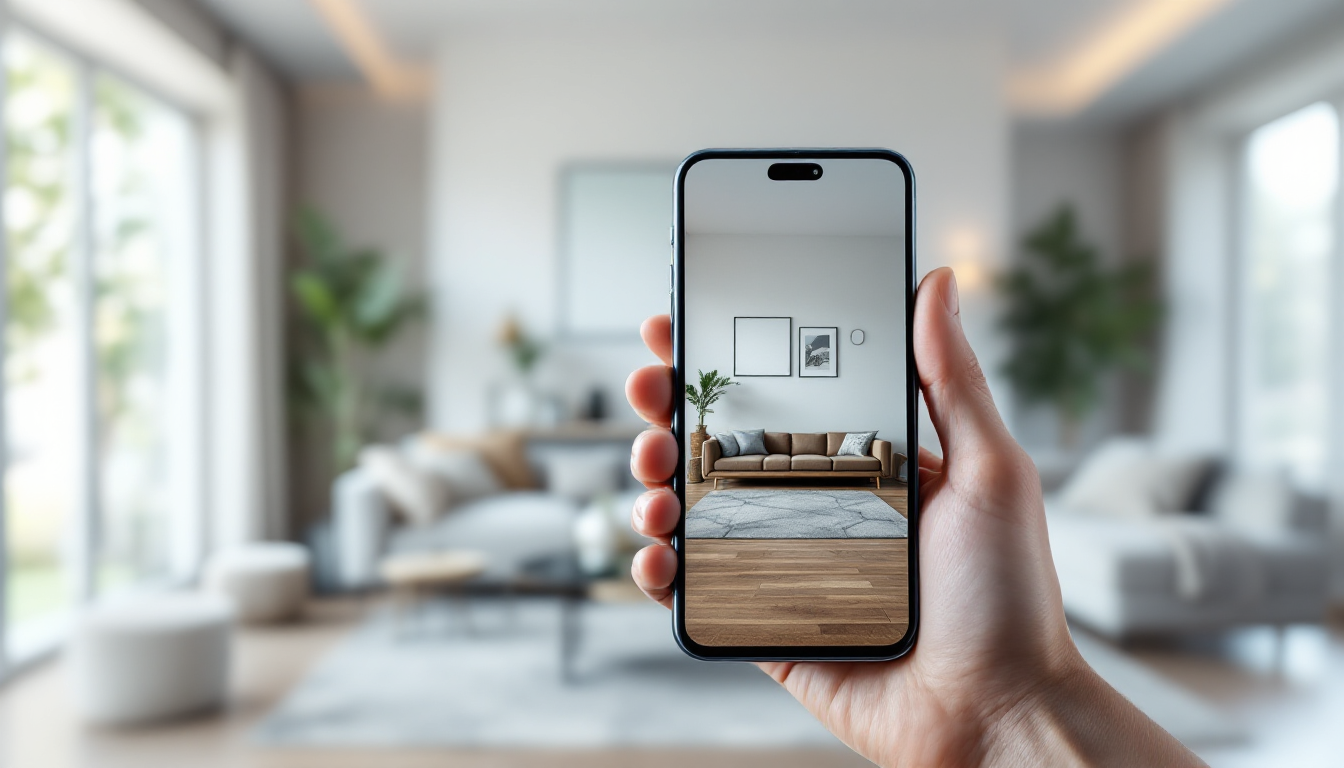
Choosing the right AR tool for furniture shopping
Augmented reality has moved from novelty to a genuinely useful part of furnishing a home. Point a phone at an empty corner and you can see a sofa, a credenza, or a dining table sitting there at roughly true scale before you spend a cent. But not all AR tools work the same way, and the differences matter once you're trying to make a real purchasing decision rather than just play with an app. If you're new to the concept, our beginner's guide to seeing furniture in your room with AR covers the basics of how this technology works. This article is for the comparison stage: weighing specific tools against each other so you pick the right one for your project.
What to judge AR tools on
- Scale accuracy — does it use your phone's depth sensor or just a flat marker/plane estimate?
- Catalog depth — is it limited to one retailer's products or does it support custom or third-party models?
- Occlusion — can furniture appear realistically behind or in front of existing objects?
- Ease of setup — app download, account, or no-install browser experience?
- Cost — free retailer tool vs. paid design software subscription.
1. IKEA Kreativ (formerly IKEA Place)
IKEA's app remains one of the most polished single-retailer AR tools. It scans your room, maps the floor and walls, and drops IKEA products in at accurate scale. The newer Kreativ mode even lets you photograph a room and redesign it digitally without holding your phone up the whole time. Limitation: you're restricted to IKEA's catalog, so it's not useful for mixing brands.
2. Wayfair's AR "View in Room"
Wayfair built AR directly into its shopping app for a huge share of its catalog. It's fast and requires no extra download if you already shop there, but accuracy varies by product — some listings have more detailed 3D scans than others, and depth-sensing quality depends on your phone model.
3. Amazon's "View in Your Room"
Built into the Amazon Shopping app for supported listings, this tool is convenient if you're already comparing products on Amazon. It's serviceable for quick sanity checks on size but offers little beyond basic placement — no room redesign, no saving multiple layouts, and coverage is inconsistent across sellers.
4. Apple's AR Quick Look (used by many retailer sites)
Rather than a single app, AR Quick Look is an underlying technology that many furniture brands build into their product pages for iPhone and iPad users. Tap "View in AR" on a supported site and the model drops into your camera view using Apple's ARKit for solid scale accuracy. It's not a standalone shopping tool, but it's worth knowing because it explains why some retailer sites offer AR previews and others don't — it depends on whether they've invested in building the 3D model and embedding Quick Look.
5. Google's "View in your space" (Search AR)
Search for certain furniture products on Google and you'll see a 3D/AR preview option directly in search results, no app required. It's genuinely convenient for comparison shopping across brands since it works in the browser, but catalog coverage is patchy and it's better for a quick look than detailed planning.
6. Houzz App
Houzz combines AR furniture placement with its larger library of professional photos and products from multiple vendors, which makes it more useful than single-retailer apps if you're sourcing pieces from different brands. The AR feature is solid for scale but secondary to the app's broader inspiration and professional-matching features.
7. Full 3D room planning software (with or without AR add-ons)
If you want more control than a drop-and-view AR app can offer, dedicated room planning tools let you build an accurate floor plan, place furniture from a large catalog, and generate photorealistic views or walkthroughs. This approach is slower to set up than a quick AR scan but pays off for whole-room or whole-home projects, especially if you're also testing layout options before committing to furniture purchases. A tool like home3dplan.com is built for exactly this kind of planning, letting you combine precise measurements with 3D visualization rather than relying on a single AR snapshot.
Head-to-head comparison
- Best for quick single-item checks: Google Search AR or Amazon's viewer
- Best for whole-catalog brand shopping: IKEA Kreativ or Wayfair
- Best for multi-brand sourcing: Houzz
- Best for accuracy on iPhone: Any site using Apple's AR Quick Look
- Best for full room planning beyond AR: dedicated 3D room planning software
Getting accurate measurements first
No AR tool can compensate for a poorly measured room. Before you start placing virtual furniture, it helps to have accurate wall dimensions and a rough floor plan, especially for larger pieces like sectionals or dining tables where a few inches matter. Our guide on different ways to measure a room for a floor plan compares tools from laser measures to smartphone apps, which pairs well with any AR shopping session.
A note for DIY furniture makers
If you're designing or building furniture yourself rather than buying off the shelf, AR placement apps won't help much since your piece won't exist in any catalog. In that case, it's more useful to model your design in CAD or a parametric tool and export a simple 3D file you can view in your space, or simply mock up dimensions with tape on the floor. For makers going this route, it's worth comparing parametric furniture design tools that can generate accurate models and cut lists before anything hits the shop floor — that upstream accuracy matters more than any AR preview once you're committed to cutting material.
Bottom line
There's no single best AR tool for every situation — the right pick depends on whether you're loyal to one retailer, comparison shopping across brands, or planning a full room redesign. For fast, low-stakes checks, retailer apps and browser-based AR are hard to beat. For bigger projects involving multiple rooms, custom furniture, or renovation work alongside furnishing, a full planning tool will save more time and reduce costly measuring mistakes than any single AR app.