7 Parametric Furniture Design Tools Compared: Software, Workflow, and Cost
By Niklas Ekstrand, Furniture & Maker Editor · October 8, 2026
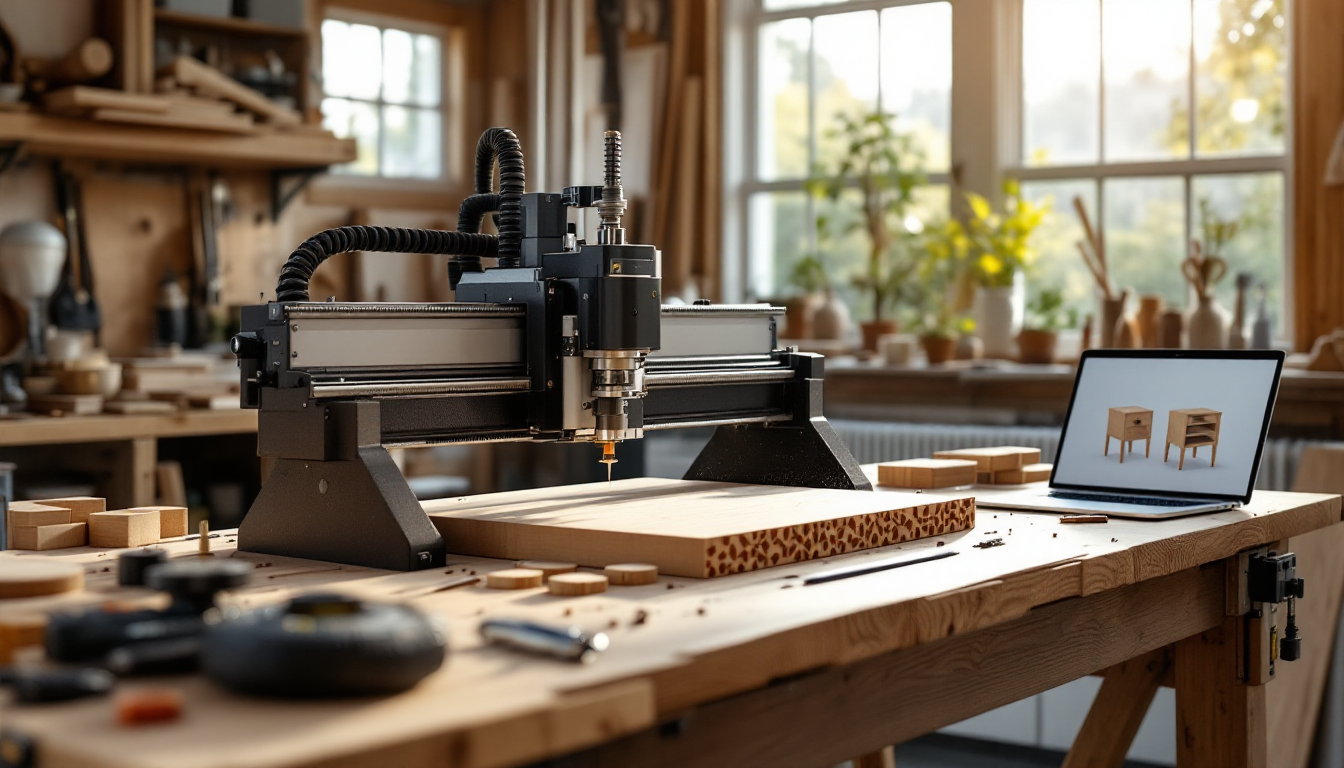
Choosing a parametric workflow is a shop-floor decision, not just a software decision
Once you understand the logic behind building furniture with variables instead of fixed dimensions, the next question is practical: which tool actually gets you from an idea to a clean cut-sheet? The answer depends less on which software looks impressive in a render and more on how well it plays with your CNC, your joinery choices, and your patience for scripting.
This comparison looks at seven real paths people take into parametric furniture design, weighing cost, learning curve, and how directly each one exports to something a shop can cut.
1. Grasshopper for Rhino
Grasshopper remains the default for furniture makers who want full control over geometry logic. You build a node graph that links dimensions, joinery offsets, and sheet-material thickness, so changing one slider reflows an entire cabinet.
- Cost: Rhino license required (~$995 one-time, commercial), Grasshopper is bundled free.
- Learning curve: Steep. Expect weeks before you're comfortable, longer for nested cut-sheet logic.
- Best for: Makers producing repeatable product lines or custom-fit casework who need true parametric control.
2. Fusion 360's parametric modeling
Fusion isn't a dedicated furniture tool, but its history-based, fully parametric modeling environment handles joinery and panel thickness changes well, and it exports directly to CAM for CNC toolpaths without leaving the app.
- Cost: Free for hobbyists under revenue thresholds; paid tiers from roughly $70/month for commercial use.
- Learning curve: Moderate. More approachable than Grasshopper if you already think in sketches and constraints rather than node graphs.
- Best for: Solo makers who want modeling and CAM in one license.
3. SketchUp with parametric plugins
SketchUp itself isn't parametric, but plugins like Dynamic Components or FlexTools add variable-driven behavior to otherwise static models. It's a reasonable bridge for people already comfortable in SketchUp who don't want to relearn a new interface.
- Cost: SketchUp Pro around $300/year; plugins vary from free to roughly $100.
- Learning curve: Low to moderate, since the base modeling skills transfer.
- Best for: Hobbyists and designers who already draft in SketchUp for interior layouts and want light parametric control, not full automation.
4. Spreadsheet-driven CAD (Excel/Google Sheets + CAD import)
A surprisingly common low-tech approach: dimensions and joinery offsets live in a spreadsheet, which feeds a CAD template or a simple script that redraws parts. It lacks the elegance of a true parametric engine but is transparent and easy to audit.
- Cost: Free to low, assuming you already own CAD software.
- Learning curve: Low for the spreadsheet part, moderate if you're writing the link to CAD yourself.
- Best for: Small shops standardizing one furniture family, like a run of shelving units in different widths.
5. OpenSCAD
OpenSCAD is code-first: you describe geometry as text, and parameters are just variables in the script. It's less common for fine furniture than for jigs and fixtures, but for boxy, panel-based pieces it's fast and version-controllable.
- Cost: Free and open source.
- Learning curve: Moderate, higher if you've never written code before.
- Best for: Makers comfortable with text-based logic who want full transparency over every dimension.
6. Furniture-specific parametric apps (Sketchcut, Rangi, similar)
A newer category of browser-based apps generates CNC-ready panel layouts for specific furniture types—shelving, desks, modular storage—from a handful of sliders. They trade flexibility for speed.
- Cost: Often subscription-based, roughly $10–$30/month.
- Learning curve: Low; designed for quick iteration without CAD knowledge.
- Best for: Beginners or small studios who want a working cut-sheet today, not a flexible design system.
7. Hybrid: parametric model + manual joinery pass
Many working shops don't run one tool end to end. They parametrize the carcass dimensions in Fusion or Grasshopper, then hand-adjust joinery details once, because different joint types carry very different strength, tooling, and tolerance requirements that don't always scale linearly with a slider.
- Cost: Whatever the base tool costs, plus design time.
- Learning curve: Moderate; you need the parametric basics plus hands-on joinery judgment.
- Best for: Anyone building fine furniture where joint integrity matters more than pure automation.
How to pick based on your actual constraints
A few questions narrow this list fast:
- Do you already own a CAD license? If you're paying for Fusion or Rhino anyway, lean into their native parametric tools before buying something new.
- Are you cutting one-off pieces or a repeatable line? One-offs rarely justify Grasshopper's learning curve; a product line usually does.
- Who's running the CNC? If someone else cuts your files, confirm their software reads your export format before committing to a tool.
- How complex is your joinery? Simple butt and dado joints parametrize cleanly; dovetails and complex joinery often need manual review regardless of tool.
It also helps to separate the drawing problem from the communication problem. Even a fully parametric model benefits from clear plan and elevation views when you're explaining a design to a client or a shop partner who isn't reading your node graph. And if you're building visuals to sell a custom piece before you cut a single panel, pairing your parametric model with a rendering and planning workflow built for home and furniture projects can shorten the gap between concept and approval.
None of these seven paths is objectively "best." The right one is the one that matches your existing tools, your tolerance for scripting, and how often you'll actually reuse the parametric logic versus drawing something once and moving on.