How Much Does 3D Rendering Cost? A Beginner's Guide to Pricing
By Conor Sheridan, 3D Visualization Lead · September 17, 2026
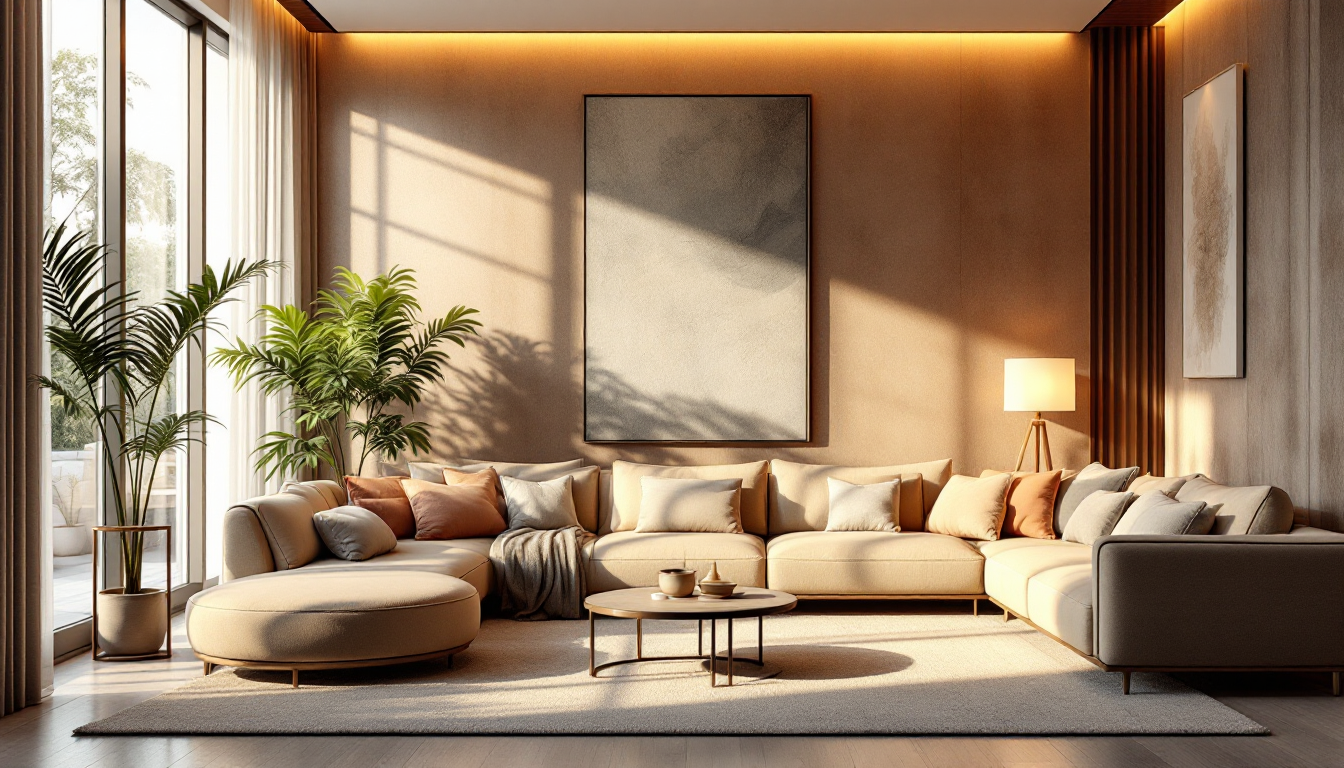
What "3D rendering" actually means for a home project
If you're planning a renovation, a new build, or even just a furniture refresh, you've probably seen photorealistic images of rooms that don't exist yet. That's 3D rendering: a digital model of your space is built, textured, lit, and turned into an image or walkthrough that looks close to a photograph. Before you request quotes, it helps to understand what you're actually paying for, since "rendering" can mean anything from a rough 3D sketch to a fully animated walkthrough.
This guide breaks down the typical cost ranges, the factors that move the price up or down, and how to plan a budget if this is your first time commissioning a render.
Typical price ranges you'll encounter
Prices vary widely by region, studio experience, and project complexity, but here are common ballpark figures for residential work:
- Single interior room, still image: roughly $150–$600 per image
- Full house exterior, still image: roughly $300–$1,200 per image
- Furnished interior with custom furniture and materials: $400–$1,000+ per image
- 360° panoramic or virtual tour rendering: $300–$900 per scene
- Animated walkthrough (30–90 seconds): $1,500–$8,000+, depending on length and detail
- Real-time interactive walkthrough (game-engine based): $2,000–$10,000+, since it requires optimized models and interactive setup
These numbers assume the base 3D model already exists or is included. If you're starting from architectural drawings only, add cost for modeling time.
What drives the price up or down
1. How much modeling has to happen from scratch
If you already have accurate floor plans or CAD files, a studio can build the 3D model faster and cheaper. If you only have hand sketches or vague ideas, expect more hours (and cost) spent interpreting and drafting the space. Understanding how to read and make technical drawings can help you communicate more clearly with a rendering studio and avoid costly back-and-forth, and knowing common floor plan symbols makes it easier to check that your plans are being interpreted correctly.
2. Level of detail and realism
A basic render with simple materials costs less than one with photoreal PBR textures, fine-grained fabric weaves, realistic wood grain, and subtle imperfections like scuffs or dust. Studios that specialize in high-end photorealism typically charge more per image because of the extra time spent on material calibration and lighting.
3. Lighting complexity
Lighting is one of the biggest levers on both cost and believability. A single HDRI-based daylight setup is quicker to produce than a scene with multiple layered light sources — recessed ceiling lights, lamps, accent lighting, and natural light all interacting. If you want your rendered space to feel as convincing as a well-planned real room, it's worth understanding how believable lighting is built in 3D renders, since the same principles that make a living room feel warm and layered in real life — as covered in this guide to layering lighting in a living room — apply directly to render setups too.
4. Number of revisions
Most quotes include one or two rounds of revisions. Extra rounds, especially ones that involve moving furniture, changing materials, or altering the camera angle significantly, usually cost extra because they can require re-rendering from scratch.
5. Delivery format
A single high-resolution still image is the cheapest deliverable. Costs rise for multiple angles, animations, virtual reality-ready files, or a clean exported GLB model you can drop into a real-time viewer or share with clients interactively. If you need the model itself, not just images, ask up front, since preparing an optimized, game-ready file is a different (and often additional) service from producing a still render.
6. Turnaround time
Rush jobs cost more. Standard turnaround for a single still image is often 3–7 business days; expedited delivery in 24–48 hours can add a 25–50% rush fee.
Freelancers vs. studios vs. software
You generally have three paths, each with a different cost profile:
- Freelance 3D artists: Often the most affordable option for single images, especially for straightforward interiors. Quality varies, so review a portfolio carefully.
- Rendering studios: More expensive but typically more consistent, with project management, revision policies, and faster turnaround on larger batches.
- DIY with design software: If you're comfortable learning tools yourself, platforms like Home3DPlan let you build and visualize a space without commissioning custom artist work for every iteration, which can save money during the early planning stages before you invest in polished final renders.
How to budget your first rendering project
- Start with a clear goal: are you selling a property, presenting a renovation concept, or testing furniture layouts? This determines how much realism you actually need.
- Gather your source material first — floor plans, measurements, and reference photos — so quotes are based on real information, not guesswork.
- Ask for a fixed price per image rather than an hourly rate, so costs stay predictable.
- Budget for at least one revision round, and clarify what counts as a "minor" versus "major" change.
- If you're furnishing the space, decide early whether you want stock furniture models (cheaper) or custom pieces modeled to match real products (more expensive but more accurate).
A simple way to estimate your total
For a small home project — say, three rooms rendered as stills — a reasonable starting budget is $1,000–$2,500 with a freelancer, or $2,000–$5,000 with an established studio, including one revision round each. Animation and real-time walkthroughs sit well above that, so it's worth confirming early whether a still image will actually serve your purpose before committing to a bigger production.