Paving and Car Parks
Draw a closed outline and it is paved. Tick Car park while drawing and the bays are set out in it, at the angle and aisle direction you choose, to the standards the site is measured to.
Examples
A patio and a car park. Switch between them in the bar above.
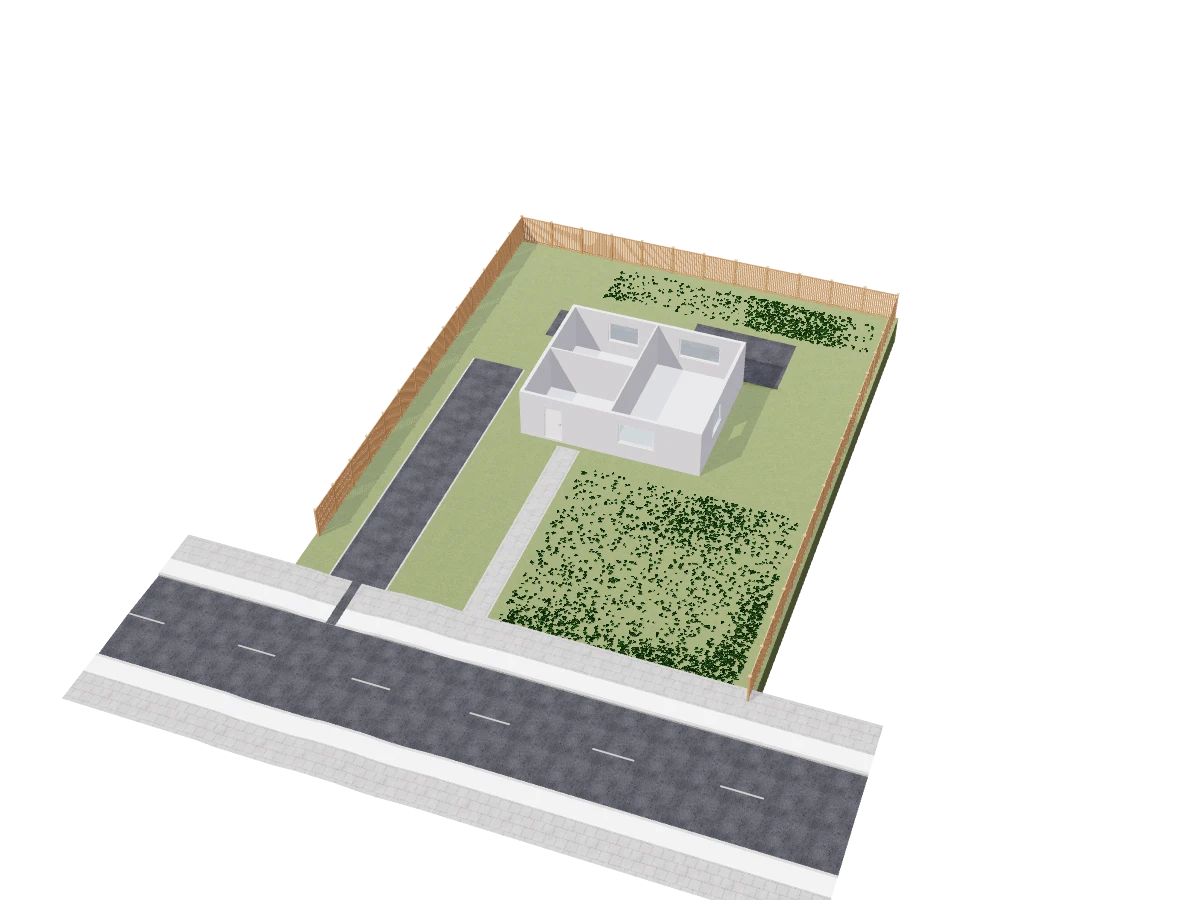
Patio
A paved L shaped patio behind the house.
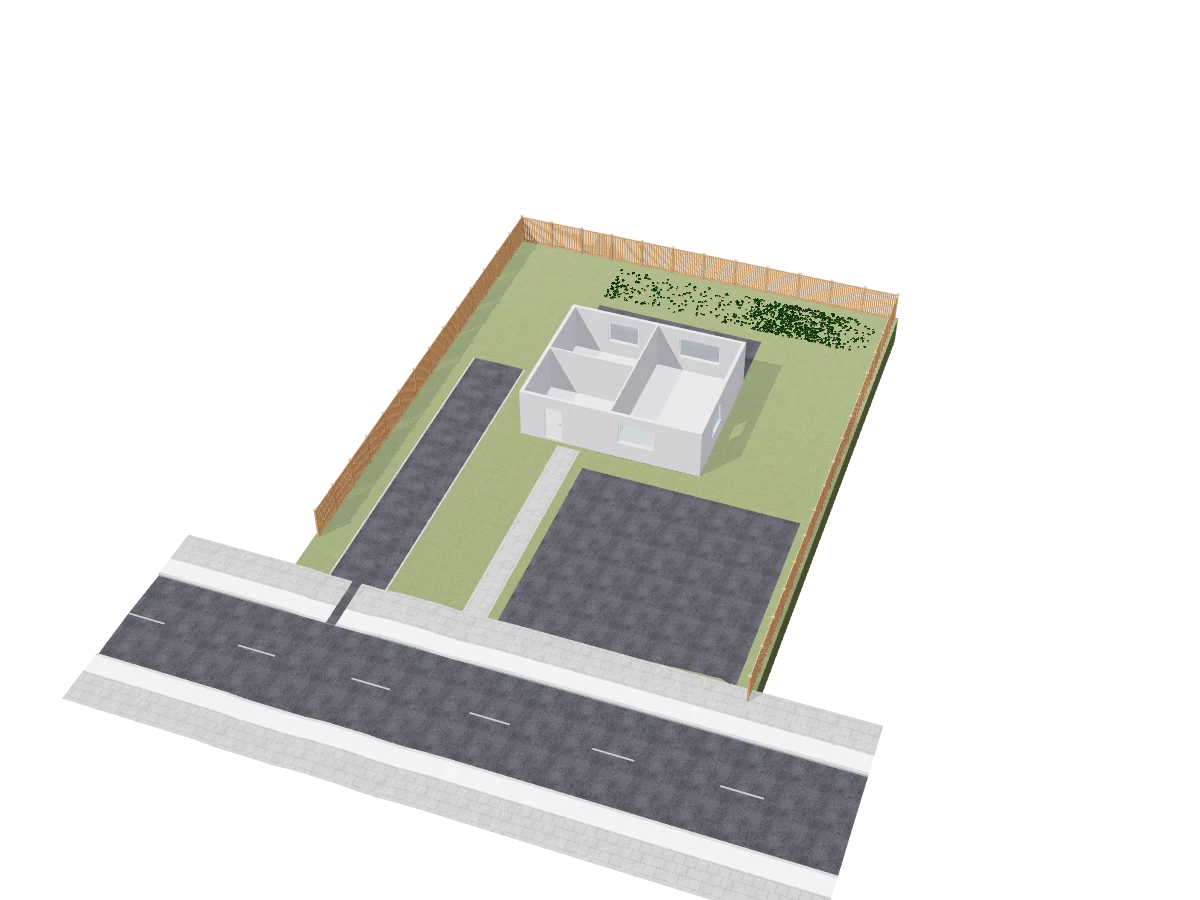
Car park
Parking in front of the house, with its bays and aisles set out.
Every property, and what it does
Select a paved area and these are its rows.
Paving
The area and its surface.
| Field | What it does | Values |
|---|---|---|
| Area, Perimeter | What the paved area measures. | Read from the plan |
| Surface | The paving material. | Any project material |
Car park
The bays, when the area is a car park.
| Field | What it does | Values |
|---|---|---|
| Car park | Sets the bays out in the area. | On or off |
| Bays | How many bays fit. | Read from the layout |
| Bay angle | The angle the bays are set at. | Degrees |
| Aisles run at | The direction the aisles run. | Degrees |
| Plant the leftovers | Plants the corners no bay fits into. | On or off |
How the Paving tool works
Open Paving
In the editor, open Site and choose Paving or car park, or type PAVING (CARPARK).
Draw the outline
Click each corner of the paved area and close it.
Tick Car park
Tick Car park while drawing and the bays are set out for you.
Set the bays
Change the bay angle and the aisle direction; the count follows.
Paving questions, answered.
Does it lay out parking bays?
Yes. A paved area set as a car park gets its bays and aisles set out, at the angle and direction you choose.
Which standards are the bays sized to?
The site's Standards: International or United States.
Read on
- Roads and paving docs: Drives, streets, footpaths, junctions and car parks.
- Roads and Drives: Driveways, footpaths, streets and access roads.
- Landscape Blocks: Raised beds, terraces and steps.