Furniture Catalogue
769 3D models in 24 categories, from sofas and beds to bathroom fittings, electronics and decor. Click one into the room, turn it, and give each of its parts a finish of your own.
24 categories
Every category in the catalogue with the number of models in it. Pick one to see a model from it above.
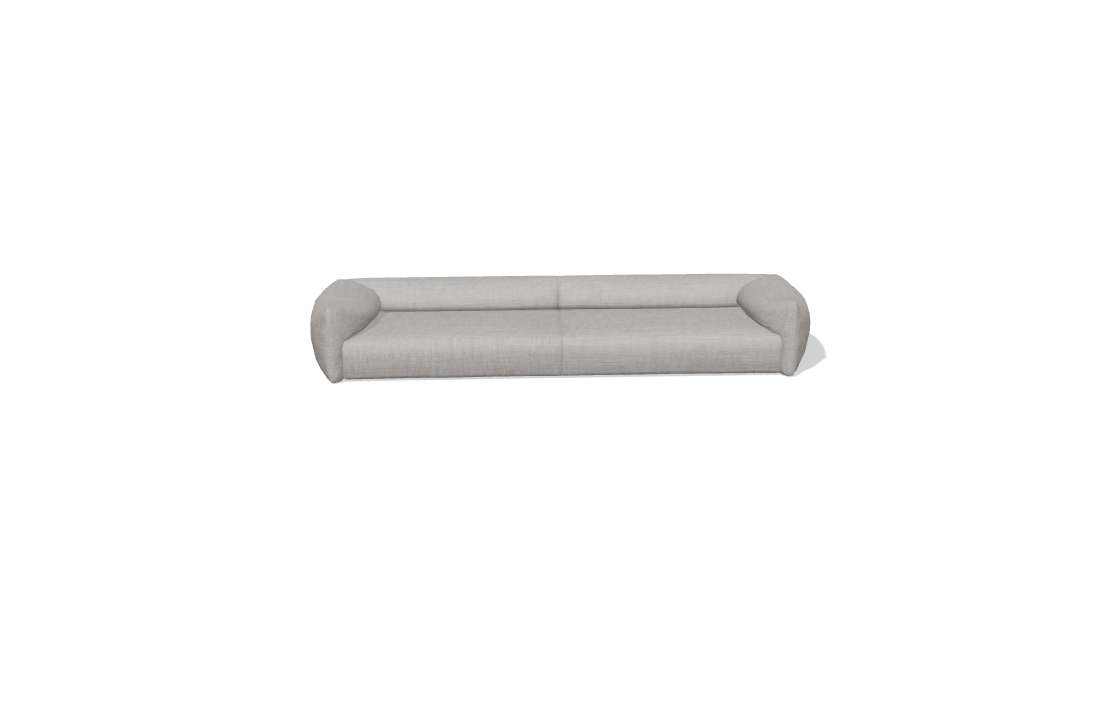
Sofa
121 models.
Prop
90 models.
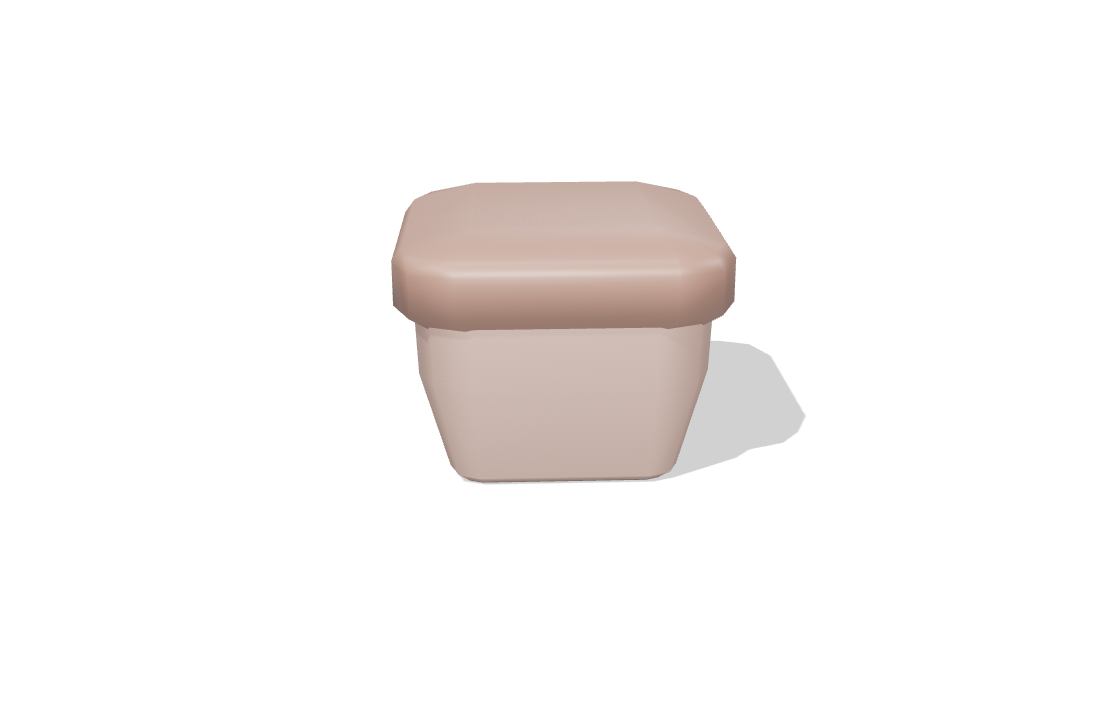
Chair
58 models.
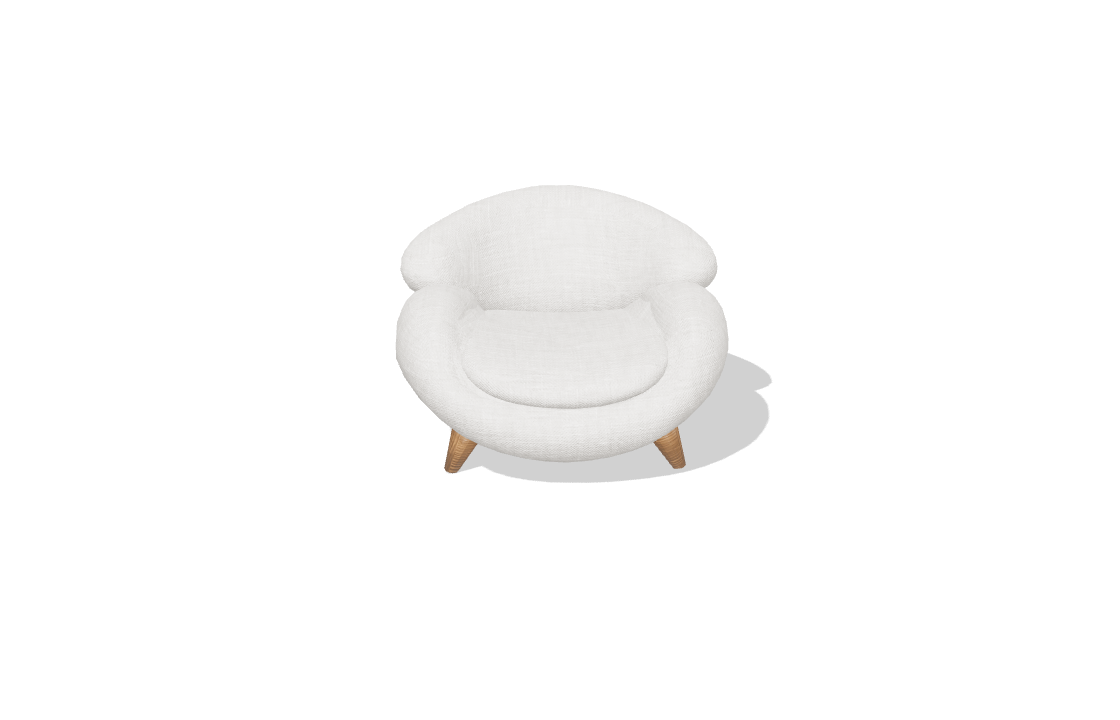
Armchair
44 models.
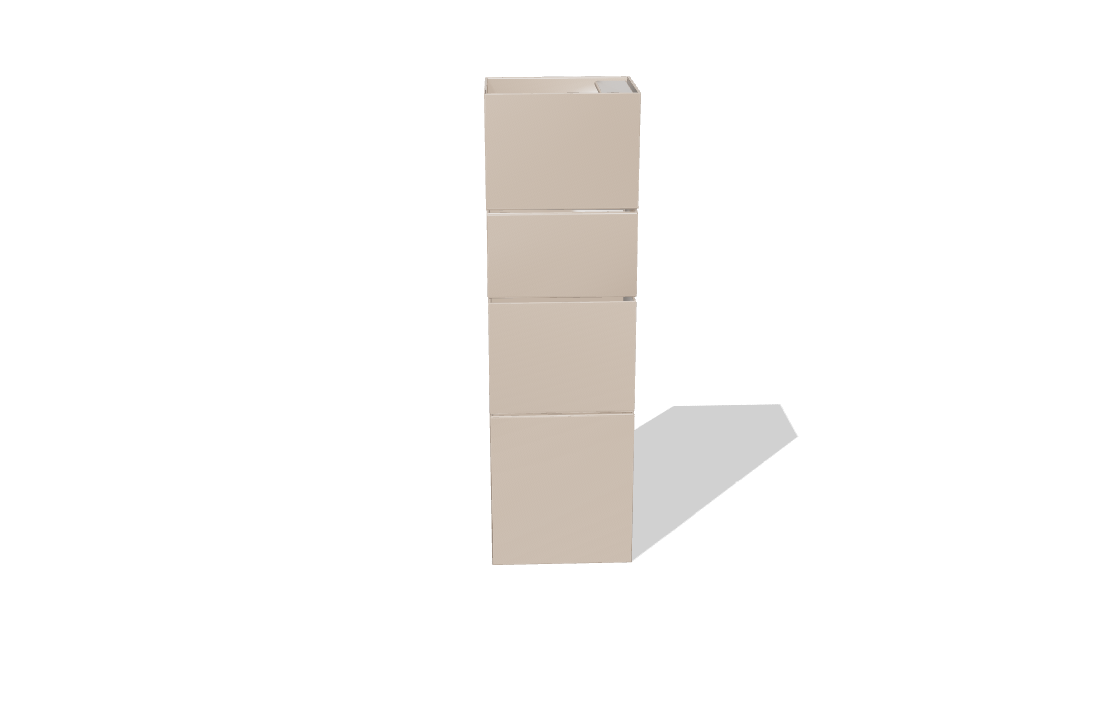
Bathroom
36 models.
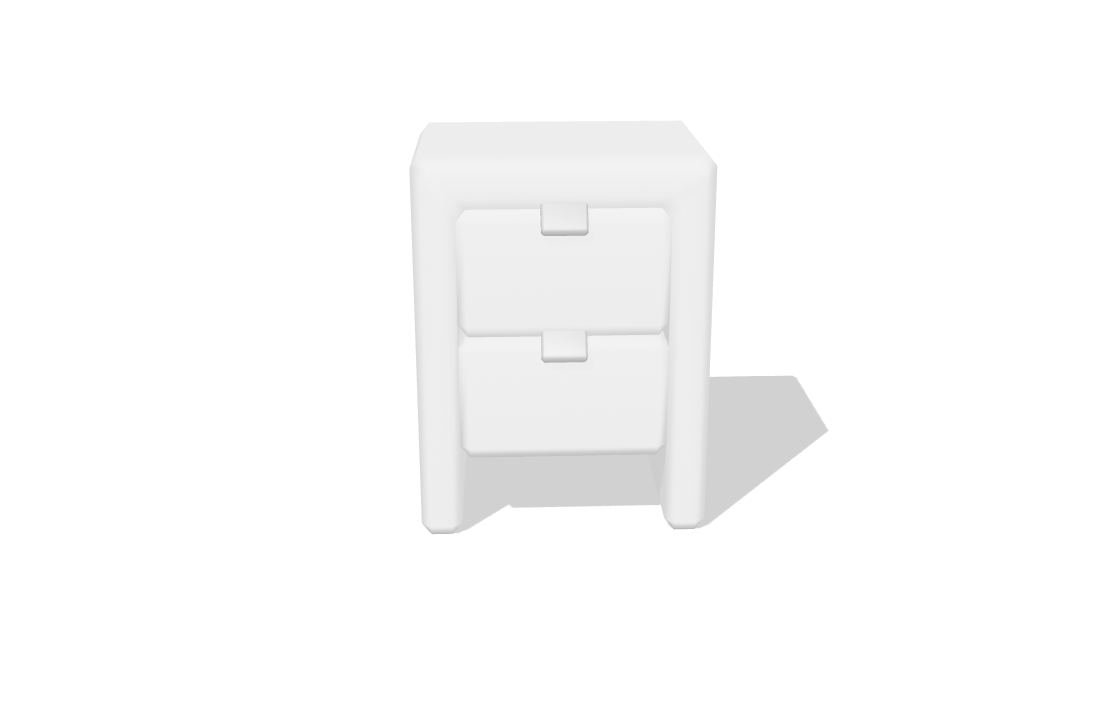
Dresser
35 models.
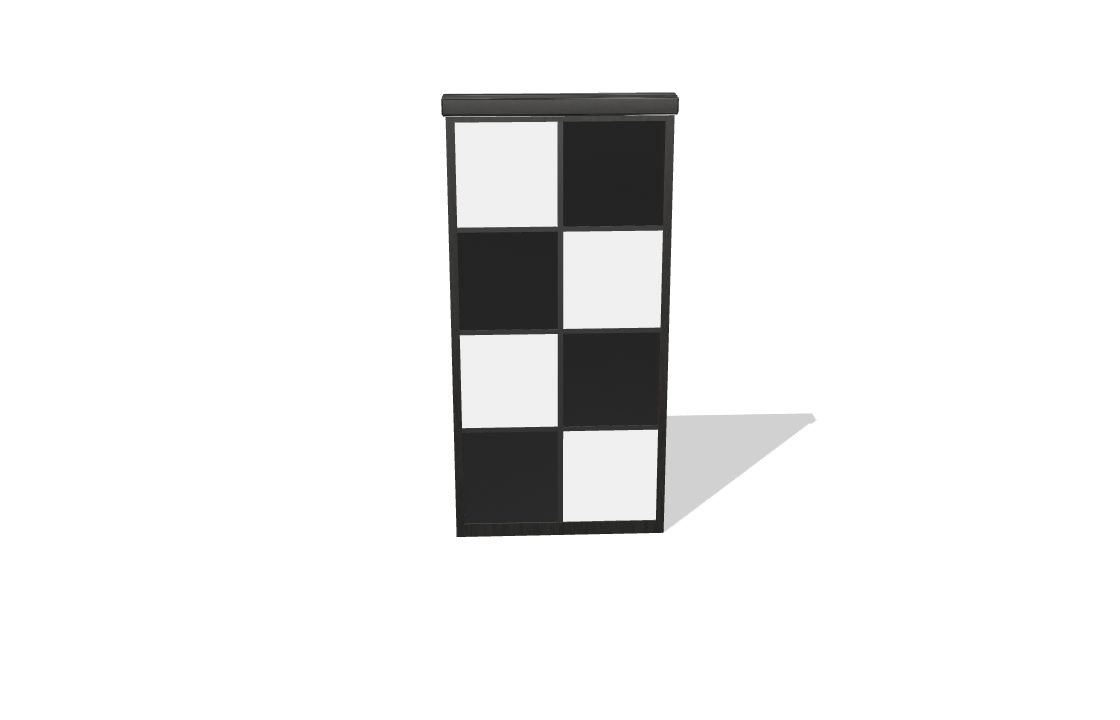
Cupboard
32 models.
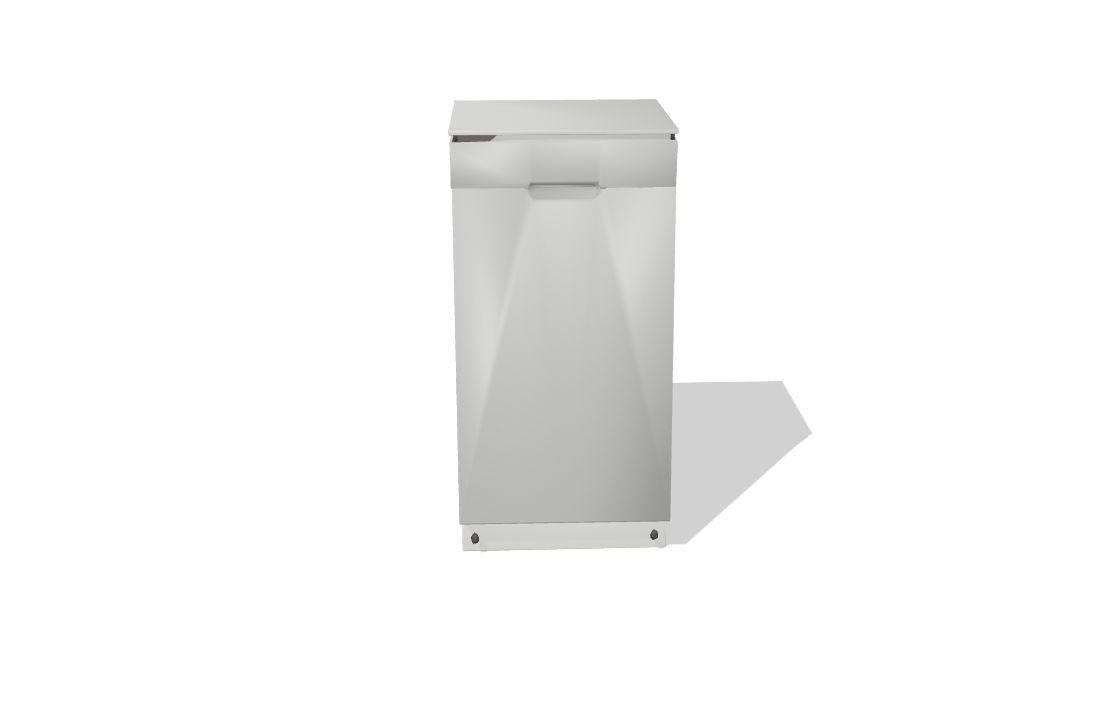
Kitchen
30 models.
Picture
30 models.
Wall cabinet
27 models.
Electronics
24 models.
Bed
22 models.
Window
22 models.

Shelf
21 models.
Entertainment
20 models.
Training
20 models.
Ladder
19 models.

Lamp
19 models.
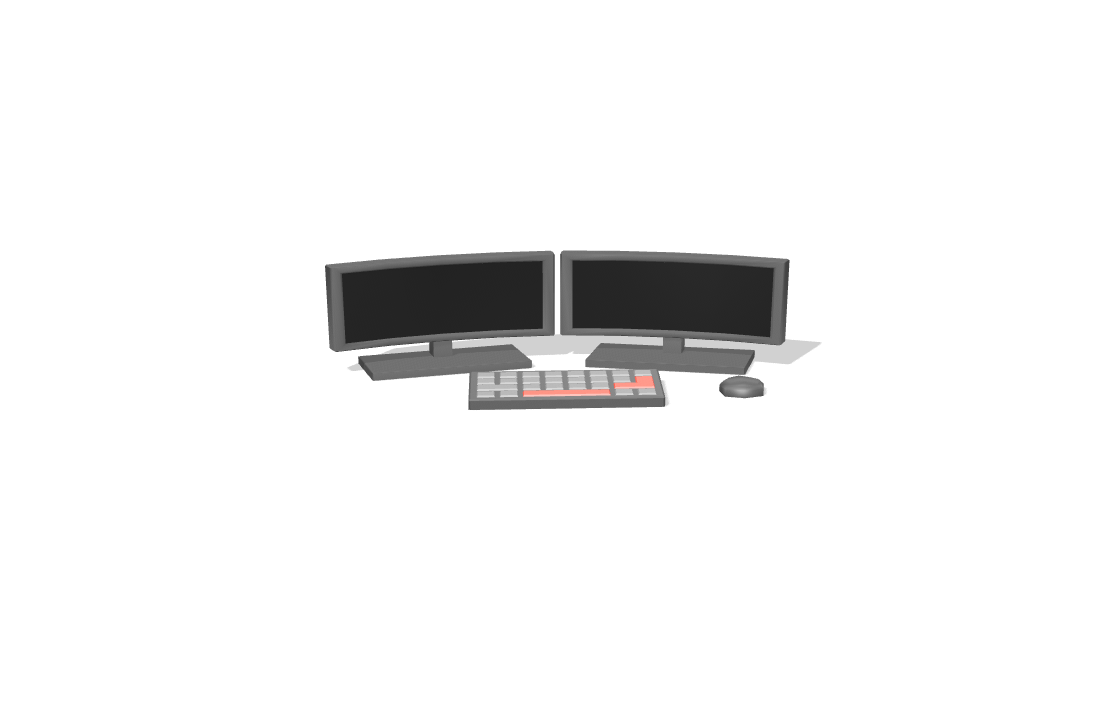
Work table
19 models.
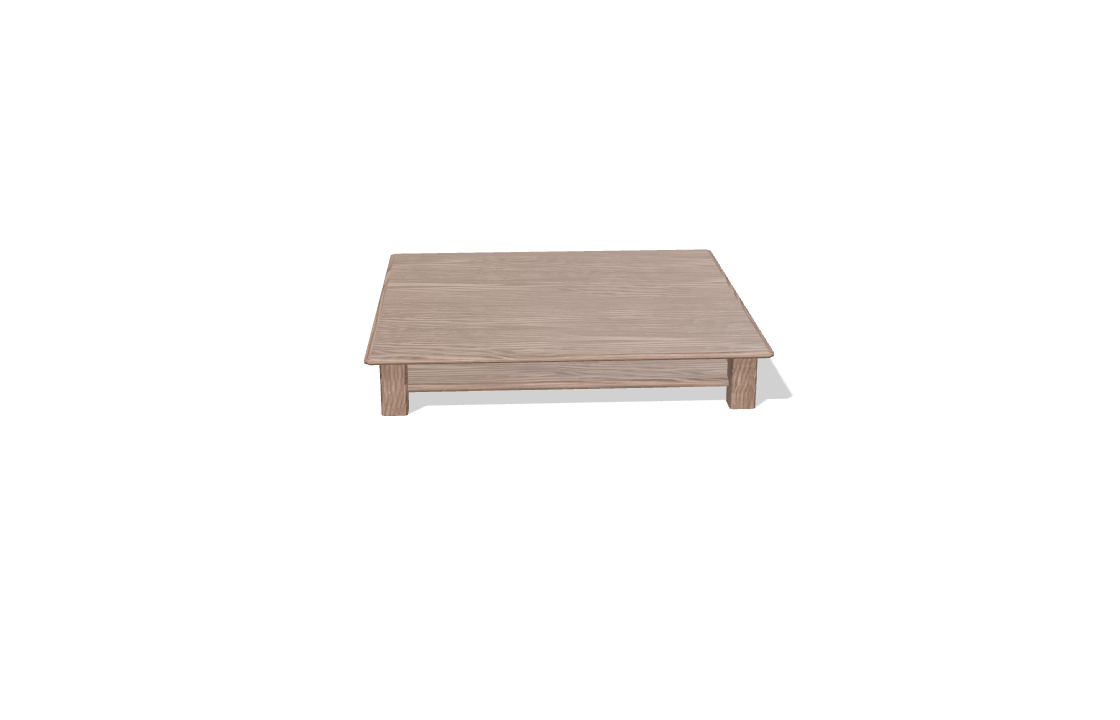
Coffee table
18 models.
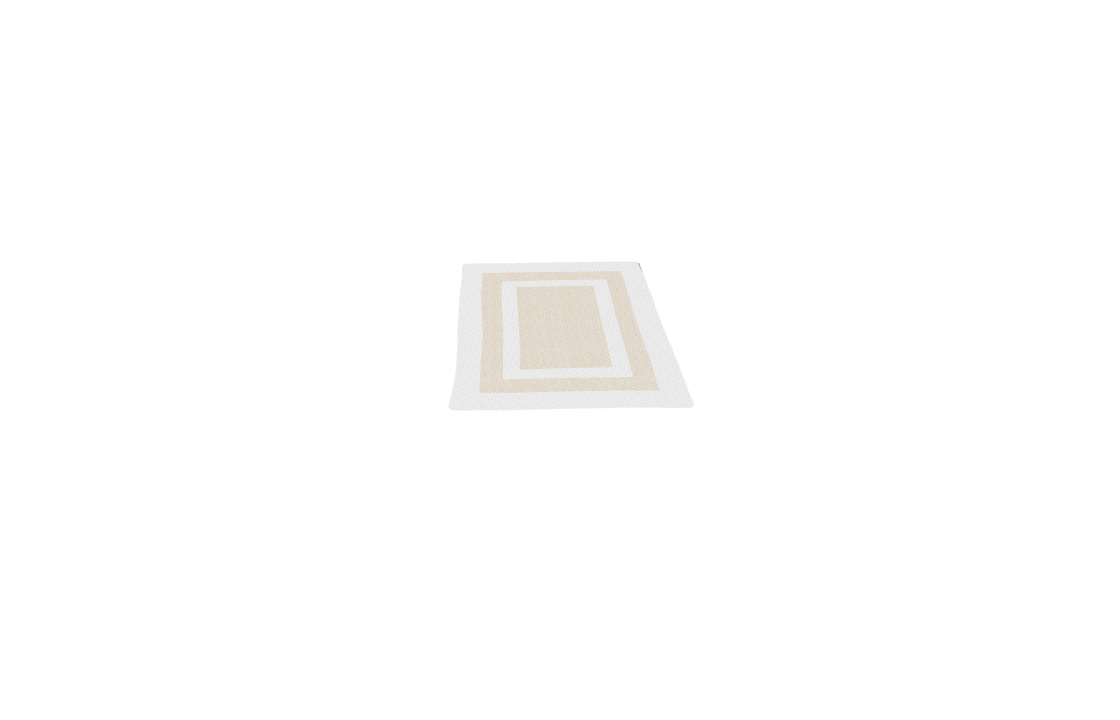
Carpet
17 models.
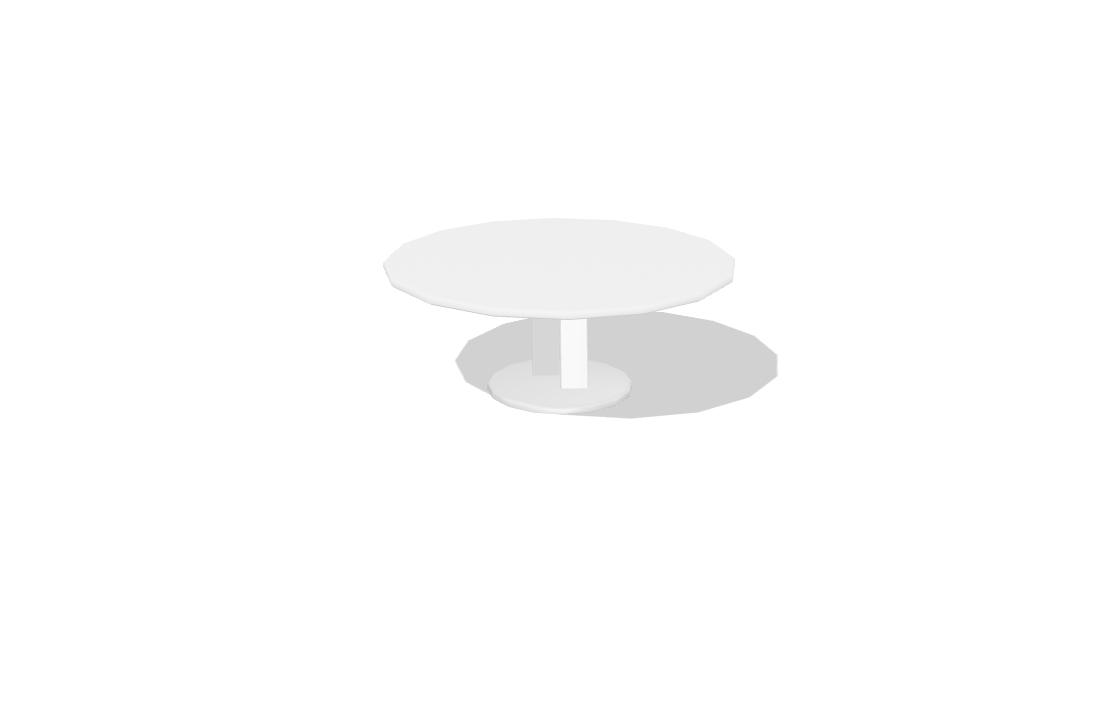
Kitchen table
17 models.
Door
16 models.
Curtain
12 models.
Every property, and what it does
Select a catalogue piece and these are its rows. A lamp has its light rows; other pieces do not.
Piece
Which model it is and where it stands.
| Field | What it does | Values |
|---|---|---|
| Asset | The catalogue model this piece is. Swap it for another and it keeps its place. | Any catalogue model |
| Rotation | Turns the piece about its own centre. | Degrees |
| Floor | The storey it stands on. | Any storey |
| Position | Where it stands on the plan. | Metres |
Scale
Stretching a piece to the size you have.
| Field | What it does | Values |
|---|---|---|
| Scale X, Y, Z | Stretches the piece along each axis, when your real item differs from the catalogue's. | A factor; default 1 |
Light
A lamp gives off light.
| Field | What it does | Values |
|---|---|---|
| Switched on | This lamp only. A lamp that is off costs nothing and frees one of the sixteen that can light a scene at once. | On or off |
| Brightness | Multiplies this lamp alone, on top of the scene wide lamp brightness in Lighting. | A factor |
Materials
Each part of the model has its own finish.
| Field | What it does | Values |
|---|---|---|
| Material slots | One row per part of the model (body, legs, cushions), each painted with any project material. | Any project material |
How the catalogue works
Open the catalogue
In the editor, open Furnish and choose Furniture, or type FURNITURE (FU). The catalogue opens by category.
Click to place
Pick a model, then click where it goes. It stands on the floor of the storey you are on.
Turn and move it
Drag it, turn it with its handle, or type its rotation and position.
Finish it
Give each part its own material, or stretch it to the size you have.
Catalogue questions, answered.
How many models are there?
769, in 24 categories, from sofas and chairs to bathroom fittings, kitchen appliances, electronics, pictures and carpets.
Can I change a model's colour?
Yes. Each part of a model is a material slot you can paint with any project material.
What if my piece is a different size?
Stretch it with Scale X, Y and Z, or design your own with Custom furniture.
Do lamps light the room?
Yes. A lamp gives off light; each can be switched off or made brighter on its own.
Read on
- Sofas and Armchairs: The largest part of the catalogue.
- Custom Furniture: Tables, chairs, beds and wardrobes you size.
- Furniture and kitchens docs: The catalogue, custom furniture and kitchens.